Building a Random Quote Generator in Python (CLI + HTML)
TG
Titus Gitari2 min read
Looking for a quick Python project to practice file handling, random selection, and simple HTML output? In this tutorial, we’ll build a Random Quote Generator that works both in the terminal and as a lightweight HTML page.
It’s simple, fast, and perfect for anyone starting out in Python.
What You’ll Learn
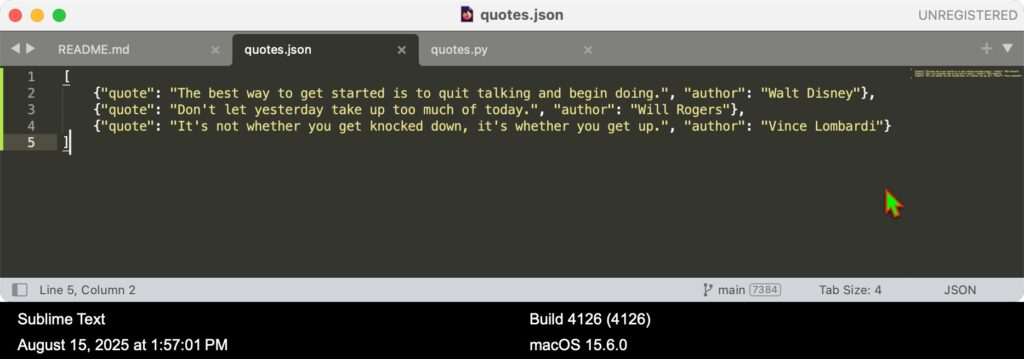
How to store data in a JSON file and load it in Python
How to randomly select an item from a list
How to generate an HTML file dynamically with Python
How to run a CLI tool with arguments
Project Features
CLI Mode: Run python3 quotes.py to display a random quote in the terminal.
HTML Mode: Run python3 quotes.py --html to generate a clean index.html page with your quote.
Project Structure
random_quote_generator/
├── quotes.py          # Main script
├── quotes.json        # List of stored quotes
├── index.html         # Generated HTML file
├── README.md          # Project summary
└── .gitignore         # Ignored files & folders
Core Code
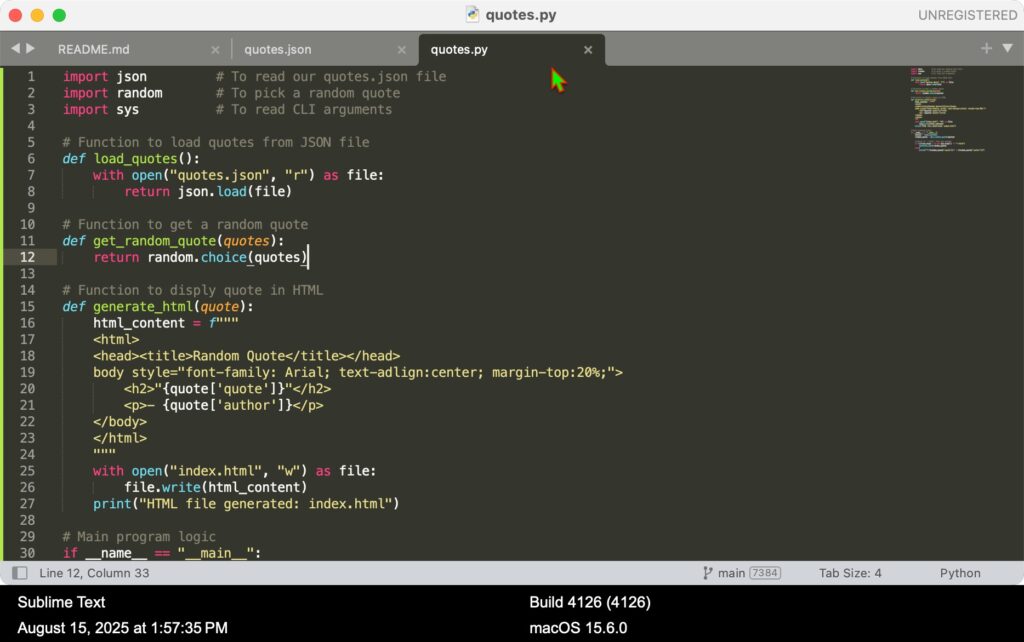
import json
import random
import sys

# Load quotes from JSON file
def load_quotes():
    with open("quotes.json", "r") as file:
        return json.load(file)

# Get a random quote
def get_random_quote(quotes):
    return random.choice(quotes)

# Generate HTML file
def generate_html(quote):
    html_content = f"""
    <html>
    <head><title>Random Quote</title></head>
    <body style="font-family: Arial; text-align:center; margin-top: 20%;">
        <h2>"{quote['quote']}"</h2>
        <p>- {quote['author']}</p>
    </body>
    </html>
    """
    with open("index.html", "w") as file:
        file.write(html_content)
    print("HTML file generated: index.html")

# Main
if __name__ == "__main__":
    quotes = load_quotes()
    random_quote = get_random_quote(quotes)

    if len(sys.argv) > 1 and sys.argv[1] == "--html":
        generate_html(random_quote)
    else:
        print(f"\"{random_quote['quote']}\" - {random_quote['author']}")
How to Run
# Show quote in terminal
python3 quotes.py

# Generate HTML version
python3 quotes.py --html
open index.html  # macOS only
This is a small but powerful project for beginners you’ll get comfortable with JSON, random selection, CLI arguments, and HTML generation. It’s also easily expandable for future projects.
Have you tried building something similar? Share your version with me!